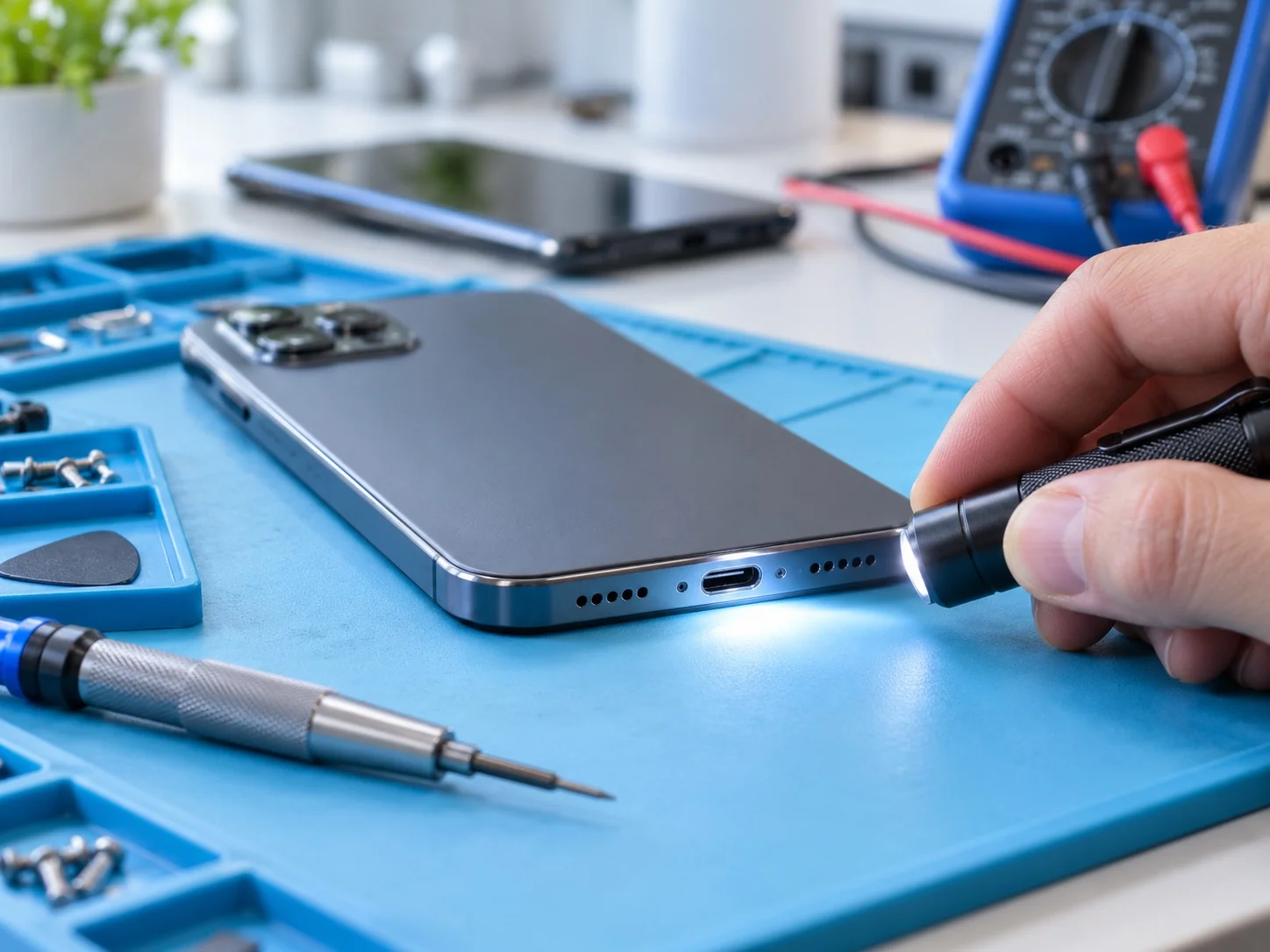
Short answer: Unplug any cables, wipe the phone, tap it gently with the charging port facing down and leave it somewhere dry with airflow. Do not charge it until it is completely dry, and do not use rice, a hair dryer, compressed air or a cotton bud in the port. If it misbehaves once dry, get it checked.
First: unplug and dry the outside
Disconnect any charging cable or accessory straight away. Apple says not to plug the cable back in until both the iPhone and the cable are completely dry.
Wipe the outside with a soft, lint-free cloth. Apple’s advice for iPhone is that if a liquid other than water splashed on it, such as a drink, you can rinse the affected area with tap water and then wipe it dry.
To clear water from the port, tap the phone gently against your hand with the port facing down. Samsung suggests shaking a Galaxy device gently, five to ten times, port down, and warns that excessive force can cause damage.
Let airflow do the work, and skip the rice
Leave the phone in a dry place with some airflow. Apple notes that a fan blowing cool air into the connector may help, and Samsung suggests a well-ventilated spot or a fan.
- No rice. Apple specifically says not to put an iPhone in a bag of rice, because small particles can damage it.
- No heat or compressed air. Apple advises against drying with an external heat source or compressed air.
- Nothing in the port. Do not push a cotton bud, tissue or paper towel into the connector.
Sources: Apple’s liquid-detection guide and Samsung NZ’s moisture guide.
Wait before charging
Charging through a wet connector can corrode the pins and cause permanent damage, which is why iPhone and Galaxy devices block wired charging when they detect liquid.
If an iPhone shows a liquid alert, Apple says to wait at least 30 minutes before trying again, and that it can take up to 24 hours to dry fully. After a phone has been exposed to liquid, Apple’s water resistance page recommends allowing at least five hours before charging with a cable. iPhone offers an emergency override, but charging while wet risks the damage described above.
For Samsung Galaxy, if the water drop icon stays after drying, Samsung suggests powering off and letting the device dry completely before restarting. Its page also lists a USB settings cache step for an icon that remains once the phone is fully dry.
Wireless charging does not use the port, but Apple says to wipe the phone and make sure it is dry before placing it on a charger.
Water resistant is not waterproof
Many recent phones have a water resistance rating, but it is not permanent. Apple notes that splash, water and dust resistance can decrease as a result of normal wear, and that liquid damage is not covered under its warranty, although your consumer law rights may still apply. A phone that has been dropped, opened or repaired may also be less resistant than when it was new.
When to get a wet phone checked
Once the phone is dry, watch for anything that has changed:
- The liquid alert or water drop icon keeps appearing with a dry cable.
- The speaker or microphone still sounds muffled after a day of drying.
- Marks, lines, fogging or patches appear on the screen or camera.
- The phone restarts, gets warm, drains quickly or will not turn on.
If you contact us, say what the liquid was, roughly how long it was exposed, and whether the phone was charged or switched on afterwards. That helps us explain what needs checking and whether a repair is worth considering for your model. If you can, back up your data first.
General guidance from FixnSave based on the linked manufacturer and safety information. Menus, alerts and steps vary by model and software version. This guide does not diagnose your device.
READY TO TALK?
Tell us what’s happening.
Share your model and symptoms to start a repair enquiry.
Start an enquiry