The exact model
Include the model name or number and any relevant device history.

IPHONE & IPAD
Tell us what happened and what still works. We will check the relevant repair option, parts availability and current quote for your device.
Ask about your repair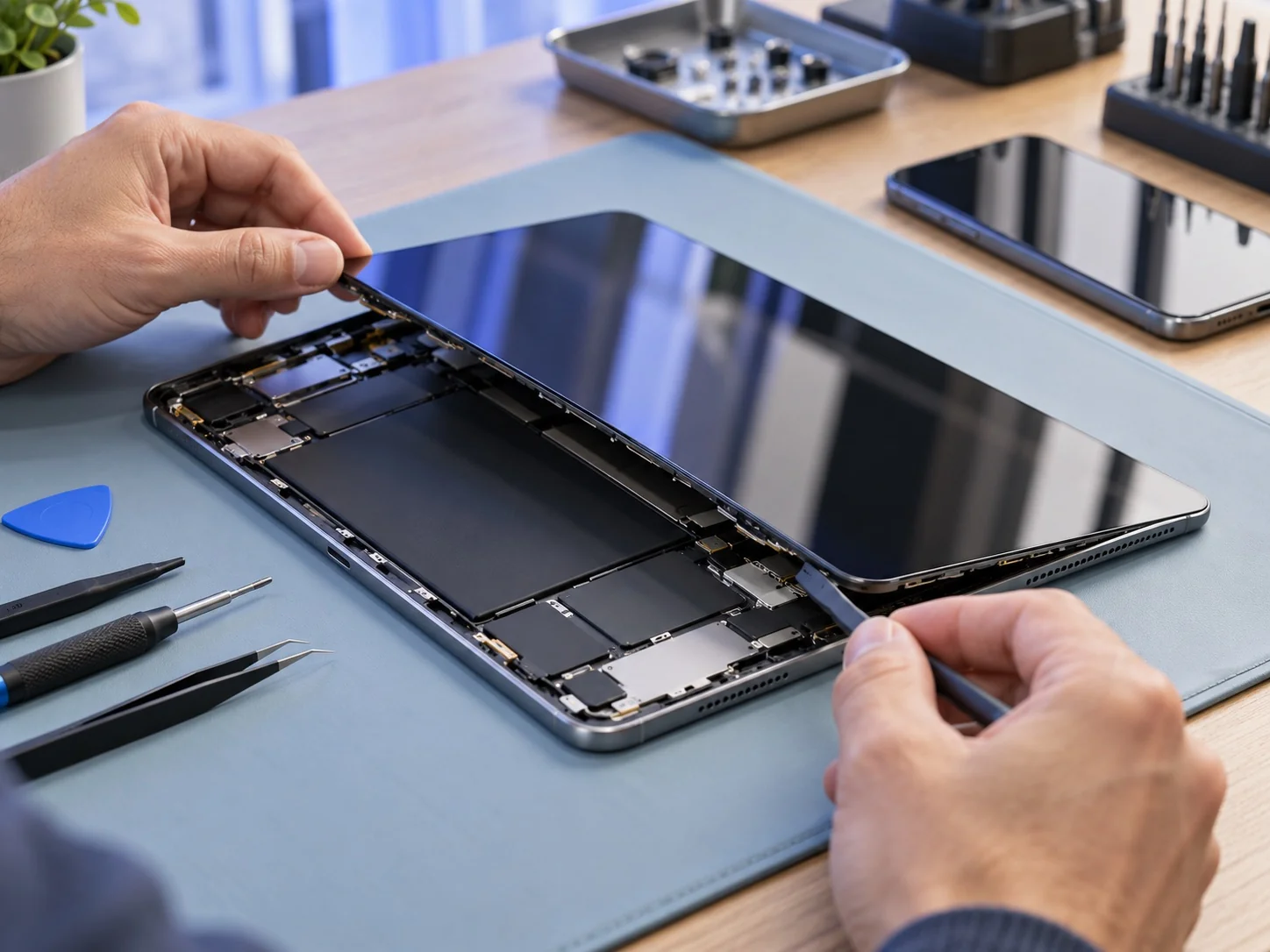 YOUR DEVICE. YOUR NEXT STEP.
START WITH THE SYMPTOM
You do not need to diagnose it yourself. Describe what you see, hear or notice.
WHAT TO TELL US
Include the model name or number and any relevant device history.
Tell us when the problem began and whether it followed a drop, update or other event.
Mention important data, timing questions or anything you want to understand before proceeding.
GOOD TO KNOW
Timing depends on the device, fault and parts availability. Ask the workshop about your model before making a special trip. We do not promise a turnaround time without checking the job.
Back up anything important if the device still allows it. Tell the workshop if preserving data is a concern before work is agreed. A successful data recovery cannot be assumed.
Repair options vary by model, fault and parts supply. Contact the workshop with your device details so we can confirm whether we can help.
A CLEARER NEXT STEP
Tell us the model and what went wrong.
We'll help you explore the repair options.